

By Dr. Kaneez Fatima, Pharm-D[C1] Researched and written with sources from the AAP, CDC, WHO, and UNICEF[C2] |Published[C3]: November 2026
Dr. Kaneez Fatima, Pharm-D, is a health content creator and former classroom teacher with clinical practice experience. She writes research-based family health guides for Slim & Glow.
[VISUAL PLACEHOLDER: Hero image of a parent and child sitting together on a living room sofa, a game controller set down between them, having a relaxed conversation. Warm, non-judgmental mood. | Alt text: Parent talking calmly with a child about video game time in the living room]
It's the third hour of the afternoon. The controller is still in their hands, snack wrappers are piling up on the couch, and you already know that asking them to stop will start a fight. If you're searching for how to stop kids playing video games all day, you're in very common company, and you haven't failed as a mom.
Gaming itself isn't the enemy. Games can be social, challenging, and genuinely fun. The trouble starts when they quietly take over the hours meant for sleep, movement, homework, and people.
The official advice has also changed. In January 2026, the American Academy of Pediatrics (AAP) moved away from a one-size-fits-all hour cap for school-age kids and teens. This guide shows you how to decide what "too much" looks like at home, set rules that stick, handle the meltdown moment, and spot the signs that it's time to call your pediatrician.
Quick answer: To stop kids playing video games all day, agree clear written rules together, protect sleep and movement first, back the rules up with built-in time limits, give warnings before stopping, and replace gaming with activities they want. Seek help if gaming is harming school, sleep, mood, or relationships.
Key takeaways
- There's no universal "safe" number of hours for school-age kids and teens; judge gaming by what it crowds out.
- Understand why your child games before setting limits.
- Agree written rules together, and back them up with built-in parental controls.
- Give warnings before stopping, and enforce agreed consequences calmly.
- Replace gaming with activities that meet the same need, especially active, outdoor ones.
- Persistent irritability, falling grades, sleep loss, or failed attempts to cut down are reasons to talk to your pediatrician.
This article is for general information and isn't a substitute for advice from your child's pediatrician or a mental health professional.
Is It Bad for Kids to Play Video Games All Day?
A long gaming day now and then isn't a crisis. A pattern where gaming fills every free hour, week after week, deserves a closer look.
What Gaming Can Offer Kids
Games meet real needs. In UNICEF's guide for parents, games researcher Prof. Daniel Johnson explains that people are drawn to activities that satisfy needs for competence, autonomy, and relatedness. A child who struggles in class may feel skilled in a game; a quieter child may find it easier to connect with friends online. A 2014 review in American Psychologist describes possible cognitive, emotional, and social benefits, though many of those findings are correlational.
That shapes how you set limits: keep the good parts, and make sure your child gets competence and connection from more than one source.
The Real Problem: What Gaming Crowds Out
The most useful way to think about heavy gaming is displacement: what isn't happening while the console is on?
- Movement. The CDC recommends that kids aged 6–17 get about an hour of physical activity a day, at moderate-to-vigorous intensity. A full day on the couch makes that hard.
- Sleep. Late sessions, especially online matches with friends, push bedtimes back.
- Homework, meals, and in-person friendships. These slip gradually, so moms often notice only when grades or moods change.
- Mindless snacking. In one small lab study, 22 teenage boys ate more at lunch after an hour of gaming than after an hour of rest, without feeling hungrier (Chaput and colleagues, 2011). It's a single study, but it supports a simple habit: snacks get eaten at the table, not beside the console.
Video Games and Children's Mental Health
Problematic gaming is linked with anxiety, depression, and ADHD, but the direction of cause is often unclear. An anxious or low child may retreat into games, and long-term escape can make those feelings harder to work through. That's why "using games to escape a bad mood" appears on the warning-sign list later in this article.
A Contemporary Pediatrics summary of the AAP's January 2026 policy statement, "Digital Ecosystems, Children, and Adolescents" (Pediatrics), describes links between digital media use and teen well-being as small and variable. So watch your own child's mood and functioning rather than assuming games are causing harm. (The violent-games question is covered in the FAQ.)
How Much Gaming Is Too Much? What the AAP Recommends Now
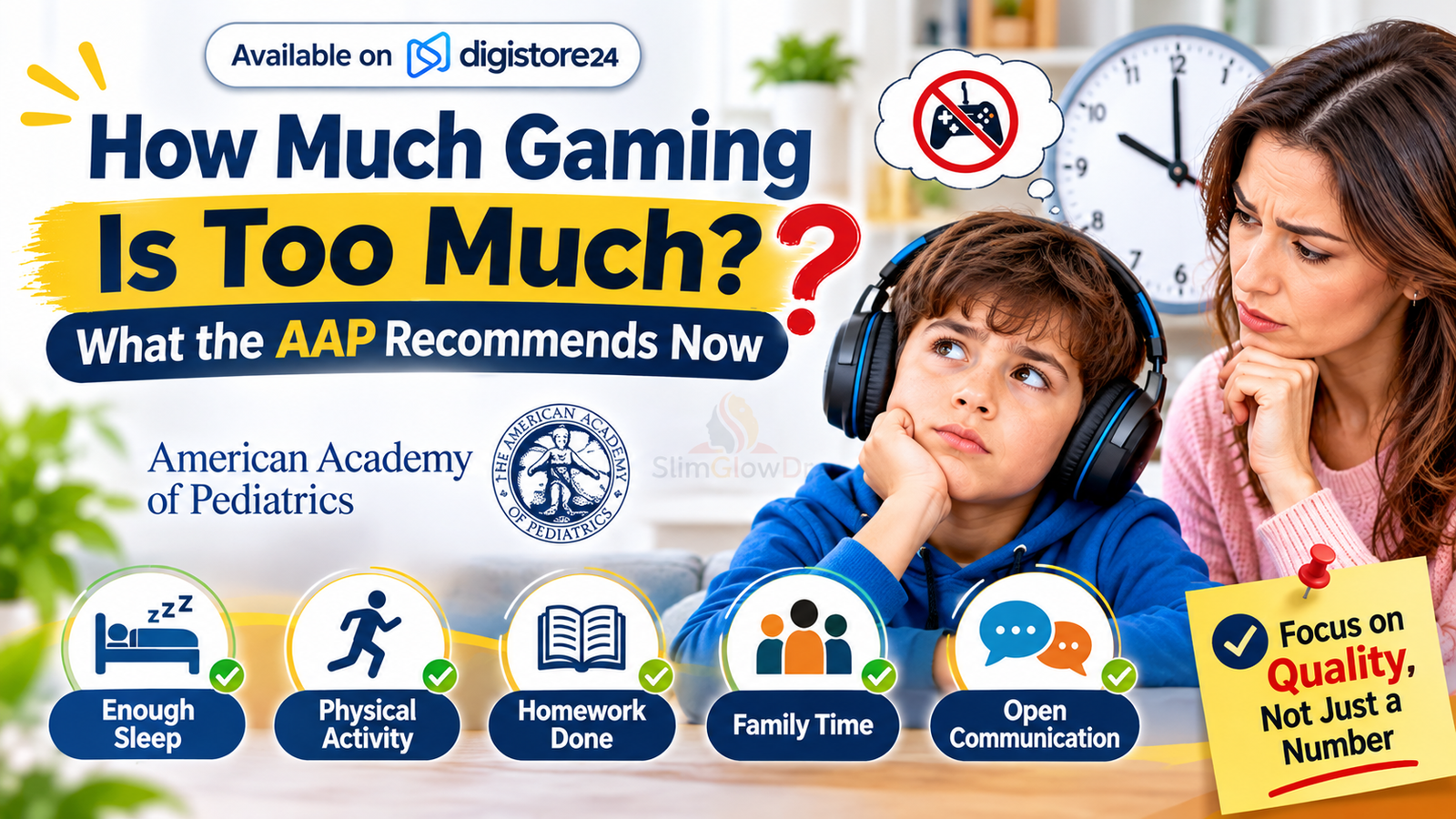
There's no longer an official daily hour limit for school-age kids and teens. The AAP now asks families to judge screen use by its quality, its context, and what it crowds out, rather than by a single number.
Earlier AAP advice was often summarized as about two hours of screen time a day. In a family explainer of the American Academy of Pediatrics' updated guidance, lead author Tiffany Munzer, MD, FAAP, writes that families should "move beyond simple screen-time limits and focus on quality, context and conversation."
Instead of a number, the AAP's announcement points families toward a family media plan, media-free spaces and times, modeling healthy habits, and talking with your pediatrician if you're worried. It also recommends an existing AAP framework, the 5 Cs of Media Use: your Child, the Content, Calm (self-regulation), Crowding Out (what media replaces), and Communication. Guidance for babies and preschoolers is different, so ask your pediatrician about younger siblings.
So how do you set screen time limits without a magic number? Use this yardstick:
- Is your child getting enough sleep for their age?
- Are they getting roughly an hour of physical activity every day?
- Is homework getting done without constant battles?
- Are they eating meals with the family and seeing friends in person?
- Can they stop gaming without a major fight most of the time?
If the answers are mostly yes, a long gaming Saturday may be fine. If several are no, gaming is crowding out something important.
12 Practical Tips to Reduce Gaming Time for Kids
These tips follow a sequence: understand, plan, set up, enforce, replace, and model. Where a tip rests on parenting experience rather than research, it says so.
1. Find Out Why Your Child Is Gaming All Day
Before changing the rules, find out what the game does for your child. Common reasons include boredom, staying connected with friends, escaping stress, and the satisfaction of being good at something.
Keep it low-key. Side-by-side moments, like a car ride, tend to work better than a sit-down talk. Ask "What do you like most about this game?" or "Who do you usually play with?" and listen. A child who mostly plays with school friends needs a social alternative, not just a timer. A child who disappears into games after a bad day may be using them to cope, which matters for Tip 10 and the warning signs below.
2. Decide What "Too Much" Looks Like for Your Family
Start with the non-negotiables: sleep, daily movement, homework, family meals, and time with friends. Block those in first; whatever's left is the pool gaming can draw from.
Here's a school night for an 11-year-old: home at 3:30, homework until 4:30, outside until 5:30, dinner at 6:00, screens off by 8:00 for a 9:00 bedtime. That leaves a realistic gaming window of about an hour and a half, set by your routine rather than a medical rule. Starting from priorities, instead of a number you argue about daily, gives your child a reason they can understand.
3. Create a Family Media Plan Together
Rules your child helped write tend to be easier to enforce. The AAP's Family Media Plan is a free online tool that walks families through screen-free zones, times, and expectations.
Involve your child, especially tweens and teens, write the rules down, and agree on consequences before anyone breaks them. For example: gaming after homework and outdoor time on school days, no devices at meals, one game-free day a week, and breaking the stop rule means losing the next session.
Treat the first version as a trial. Writing for the Child Mind Institute, psychologist Nancy M. Petry, PhD, suggests following a plan for one or two months before reevaluating, since it's easier to loosen restrictions than to tighten them.
4. Put Sleep First: Devices Out of Bedrooms at Night
Sleep is the first thing late-night gaming steals. According to an American Academy of Sleep Medicine consensus statement endorsed by the AAP, children aged 6–12 need 9–12 hours of sleep, and teens aged 13–18 need 8–10 hours.
The AAP names bedrooms as a good place to go media-free, especially in the hour before bed. A family charging station in the kitchen, where every device sleeps (including yours), makes the rule easier to follow. For teens who play online with friends at night, agree on an end time in advance so they can tell their group, "I'm off at 9:30."
5. Make "Essentials First" the Routine
A fixed order of operations prevents daily negotiation: homework, chores, and movement first, gaming after. Child Mind Institute guidance takes a similar line: gaming only after the day's responsibilities are done, with some game-free days each week.
Game-free times can start small, such as school nights or mealtimes. To encourage outdoor play, use daylight: "Outside until dinner, then you can play" is easier to enforce in the late afternoon than after dark. Be consistent. If "essentials first" applies only on days you have the energy to enforce it, your child will learn to wait you out.
6. Use the Parental Controls Already Built Into Their Devices
Before you buy another app, start with the free controls already on their devices. They work best as backup for rules you've already agreed on.
Built-in parental controls for gaming consoles and phones
| Platform | Where to find it | Daily time limit | Bedtime/downtime | Spending controls | Communication/online controls |
|---|---|---|---|---|---|
| Nintendo Switch / Switch 2 | Nintendo Switch Parental Controls app (phone) | Daily play-time limit | Limit how late it can be used; alarm or automatic "Suspend Software" | Restrict Nintendo eShop spending (Nintendo Account) | Restrict "In-Game Communication with Others"; Switch 2 GameChat needs parent approval for under-16s |
| Xbox | Xbox Family Settings app | Daily screen-time allowance, set per day of the week | Schedules (allowed hours) | "Ask a Parent" purchase requests; spending history | Allow or block multiplayer, chat, and friend requests |
| PlayStation 5/4 | Settings > Family and Parental Controls > Family Management, or PlayStation Family app | "Playtime Duration" | "Playable Hours"; "When Playtime Ends": Notify Only or Log Out | "Monthly Spending Limit" (defaults to 0) | "Communication and User-Generated Content": Restrict |
| iPhone / iPad | Settings > Screen Time (via Family Sharing) | "Time Allowances" (App Limits on older versions) | "Screen Time Schedules" (Downtime on older versions) | "Ask to Buy" | "Allowed Contacts," "Communication Safety" |
| Android | Google Family Link app | "Time limits" (daily); "App limits" | "Downtime & school time" | App approvals for Google Play | "Manage communication settings" |
Menu names change with software updates, so check your device's current settings.
Two things worth knowing: Xbox settings apply only when your child is signed in with the linked Microsoft account and don't cover phone gaming, so set limits on every device. On PlayStation, your child can send an "Ask for More Playtime" request, a tidy way to handle "five more minutes" without an argument.
7. Plan the "Stop" Moment Before It Happens
The moment of stopping is the one most families dread, so start with a predictable countdown: a 10-minute warning, then a 5-minute warning. Younger children often do better with a visual timer. This tip rests on common practical advice for handling transitions, not formal research.
With older kids, know this: many online matches can't be paused, and quitting midway can let teammates down. So time the warning to the game. "No new matches after this one" lands better than "off now" three minutes before the end.
Agree on what comes next before the session starts: "When this match ends, controller down and we're heading to the park." A clear next step gives your child something to move toward.
8. Stay Calm and Consistent When They Push Back
Pushback is common at first. Validate, then hold the line: "I know it's frustrating to stop when you're winning. Time's up, and you can play tomorrow." Then stop talking, since long explanations invite negotiation.
Petry advises consequences that are enforceable and applied immediately, with you and your partner on board. Don't renegotiate mid-meltdown, and praise the times they stop well.
Should gaming be a reward or punishment? Views differ. Child Mind suggests rewarding non-gaming activities instead. A small 2019 University of Guelph study of preschoolers linked using screen time as a reward or punishment with about 20 more minutes of screen time a day on weekends, though it may not apply to older kids. My suggestion: tie consequences to the gaming rules themselves, and avoid making gaming the household currency for every good behavior.
9. Cut Back Gradually Instead of Banning Overnight
When you're working out how to reduce gaming time for kids, pulling the plug entirely is tempting. UNICEF's guidance, for example, leans toward strengthening other parts of a child's life over strict restriction.
In practice, step it down. If your child games six hours on Saturdays, aim for five this week and four the next, with something planned in the gap. An overnight ban can also push gaming to friends' houses or late-night devices, where it's harder to see. The exception: if a pediatrician or therapist advises a different approach, follow their plan.
10. Fill the Gap With Screen-Free Activities They Actually Want
Remove gaming without replacing it, and the console fills the hole again. Petry stresses that replacing gaming with other activities is critical. The best alternatives to video games for kids meet the same need the game was meeting:
- Social connection: team sports, scouts, clubs, or a friend over
- Feeling competent: a skill with visible progress, like an instrument, cooking, or martial arts
- Excitement: climbing, biking, skateboarding, or swimming
- Downtime: reading, drawing, puzzles, or a board game with you
Active options pay off twice: the CDC also recommends muscle-strengthening activity (like climbing) and bone-strengthening activity (like jumping or running) at least three days a week. Make outdoor play easy, with bikes accessible and a ball by the door.
11. Play Together and Keep Gaming in Shared Spaces
Playing alongside your child and keeping consoles in common areas are both on the AAP's HealthyChildren list of ways to prevent unhealthy gaming. Co-play shows you what the game is really like and gives you something to share, not only something to police.
Check ESRB age ratings (E, E10+, T, M, and AO) and the Interactive Elements: "In-Game Purchases (Includes Random Items)" flags loot boxes, and "Users Interact" means your child may be exposed to unfiltered chat and content from other players. (PEGI is the European equivalent.)
Talk about design, too. The AAP notes that many platforms are built to boost engagement and profit, and UNICEF's guide suggests teaching kids to spot "dark patterns," like fake limited-time sales, and switching off contact with strangers. A useful question: "What is this game doing to keep you playing?"
12. Model the Screen Habits You Want to See
Kids notice when the phone-free dinner rule applies to them but not to you. The AAP lists modeling your own media use as a core family recommendation.
So make screen-free times apply to adults too. Put your phone on the charging station at dinner, say out loud why ("I'm putting this away so we can talk"), and let your child catch you choosing a walk or a book. Healthy screen time habits for kids stick best when the charging-station rule covers everyone.
Adjusting Your Approach by Age
The AAP's 2026 statement looks at school-age children (6–12) and teens (13–18) separately. The finer split below is my own suggestion, since a 7-year-old and an 11-year-old need different approaches.
How to adjust gaming rules by your child's age
| Age | Who sets the rules | Focus | What to watch for | Example rule |
|---|---|---|---|---|
| About 6–9 | Mostly parents, explained simply | Routines, short sessions, co-play, visual timers | Age-appropriate content; meltdowns at transitions | "Gaming after outside time, until the timer rings" |
| About 10–12 | Shared, with parents holding the final say | Building self-monitoring; online contact; spending | Stranger contact and in-game purchases (Switch 2 GameChat, for example, requires parent approval for under-16s) | "Spending only with a parent's OK; friends list reviewed together" |
| 13–17 | Negotiated, with more autonomy | Outcomes over minutes: sleep, grades, mood | Late-night sessions, withdrawal, gaming to escape stress | "Devices charge outside the bedroom; we check in if grades slip" |
With teens, shift from policing minutes to agreeing on outcomes. Teens often respond better when they help write the rules and know what happens if sleep or grades slide.
Signs of Excessive Gaming in Children (and When to Get Help)
Most heavy gaming responds to the steps above. For a smaller group of kids, it has become something they can't easily change on their own.
Heavy Gaming vs. Problematic Gaming vs. Gaming Disorder
Many moms worry their child is addicted to video games. "Addiction" is a loaded word, so it helps to think in three levels:
- Heavy but balanced: lots of gaming, but sleep, school, activity, and relationships are intact.
- Problematic: gaming is crowding out important parts of life, and cutting back is a struggle.
- Gaming disorder: a clinical diagnosis. The World Health Organization's definition of gaming disorder in ICD-11 describes impaired control over gaming, gaming taking priority over other interests and daily activities, and continuing despite negative consequences, usually over at least 12 months.
In the US, the DSM-5-TR lists Internet Gaming Disorder as a condition for further research, so there's no official US diagnosis yet.
Only a minority reach the clinical level, and estimates vary with the screening tool. A review of 53 studies estimated about 3% of gamers meet criteria for gaming disorder (about 2% in more rigorous studies; Stevens and colleagues, 2021). In one six-year US study of about 385 teens, roughly 1 in 10 showed gaming-problem symptoms that worsened over time, while about 7 in 10 had few symptoms throughout.
[VISUAL PLACEHOLDER: Three-step spectrum infographic. "Heavy but balanced": plays a lot; sleep, school, and friendships intact; can usually stop. "Problematic": gaming crowding out sleep, activity, or homework; frequent fights; trouble cutting back. "Gaming disorder (clinical; needs professional help)": impaired control; gaming takes priority over other interests and daily activities; continues despite negative consequences; usually for at least 12 months. | Alt text: Spectrum showing the difference between heavy gaming, problematic gaming and gaming disorder in children]
Warning Signs to Watch For
HealthyChildren.org's warning signs of unhealthy gaming and the American Psychiatric Association's proposed criteria include:
- Preoccupation with gaming, even when not playing
- Sadness, irritability, or anxiety when gaming is taken away
- Needing to play more and more
- Repeated, unsuccessful attempts to cut back
- Losing interest in activities they used to enjoy, including time with friends
- Lying about how much they play
- Using games to escape a bad mood
- Gaming at the expense of homework, sleep, exercise, or relationships
[VISUAL PLACEHOLDER: Optional printable-style checklist graphic of the warning signs above. | Alt text: Checklist of warning signs of excessive gaming in children]
One sign on one bad day isn't cause for alarm. Persistent patterns are what matter.
When to Talk to Your Pediatrician or a Mental Health Professional
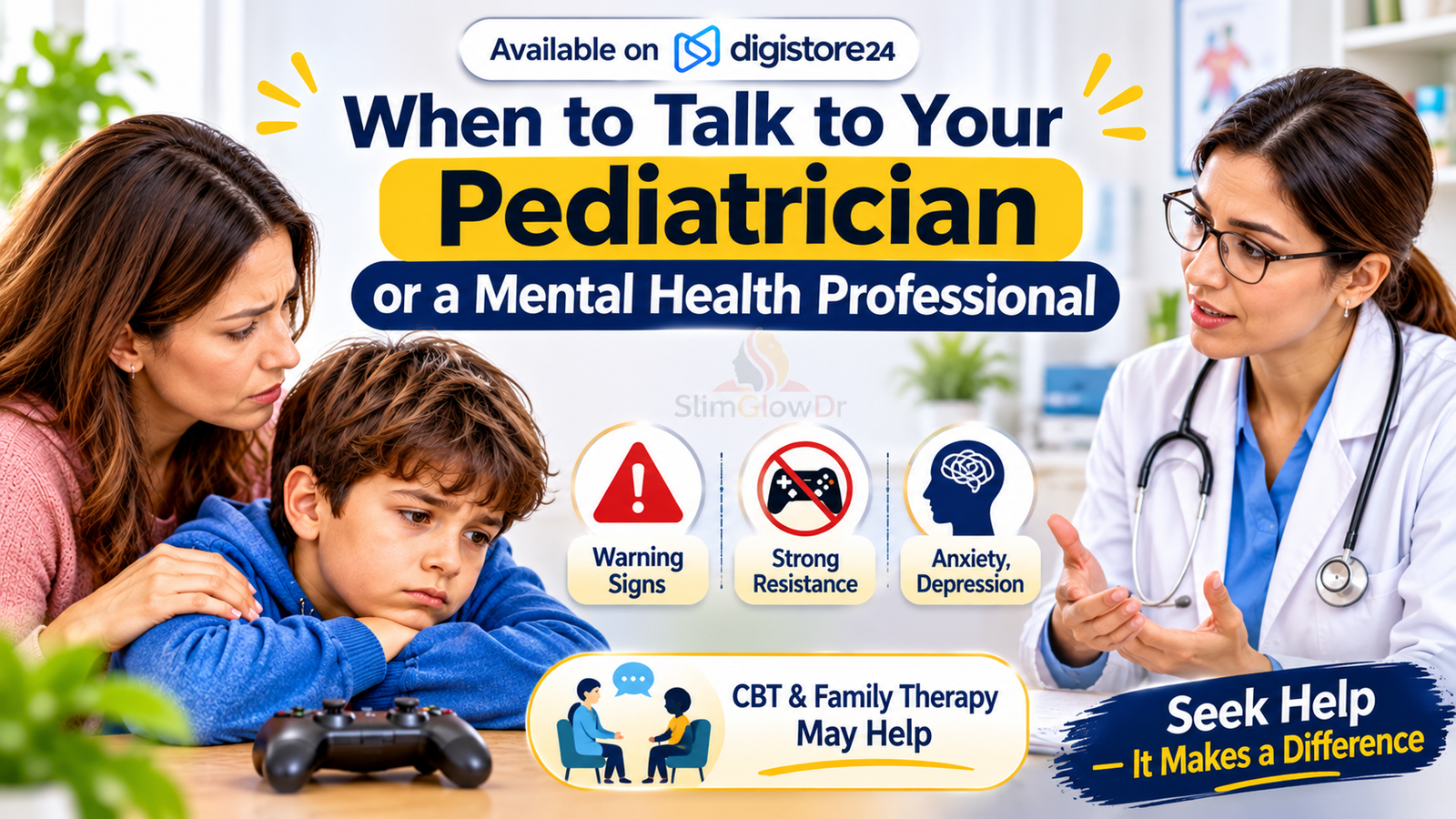
Call your pediatrician if several warning signs persist for weeks despite consistent rules, if your child strongly resists any attempt to cut back, or if gaming problems appear alongside signs of anxiety, depression, or attention difficulties. Your pediatrician can refer you to a therapist if needed.
Treatment research is still developing. A meta-analysis found that cognitive behavioral therapy (CBT) can ease gaming-disorder symptoms in the short term, and family-based therapy has shown promise in small early trials. Asking for help doesn't mean your child has a disorder; it means you're getting a professional view this article can't provide.
Conclusion
Learning how to stop kids playing video games all day doesn't mean aiming for zero gaming. The goal is a life where gaming fits alongside sleep, movement, school, and people, with rules your child understands and helped shape.
Start small. Pick one evening this week to sit down as a family, talk about why your child loves their games, and draft your gaming rules together. The AAP's free Family Media Plan is an easy place to start. Then switch on one device limit to back up what you agree. Expect pushback for the first few weeks, and review the plan after a month or two.
Looking for more mom-friendly help with screen time and beyond? Explore more parenting and family health guides.
Frequently Asked Questions
Should I take video games away completely?
Usually not, unless a professional recommends it. For most kids, games offer real fun and connection, and removing them entirely tends to start a fight without fixing the underlying habit. UNICEF's guidance notes that the right amount of play varies a lot and, in some situations, might be zero. If gaming is seriously harming sleep, school, or mental health, talk to your pediatrician before deciding on a full break.
Why does my child get so angry when I turn off the game?
Stopping abruptly is genuinely hard. Games are designed to be absorbing, online matches often can't be paused, and quitting can mean letting friends down. Warnings and agreed stopping points (Tip 7) usually help. If intense irritability happens every time gaming ends, especially alongside other warning signs, raise it with your pediatrician.
How do I limit video games during summer break?
Build the day around anchors before gaming starts. A workable rhythm is outdoor time in the morning, then a chore or project, then a gaming window, with a screen-free stretch before bed. Camps, library programs, and play dates help fill long days. Expect more gaming than during the school year, and keep checking the basics: sleep, movement, and time with people.
Do video games cause aggression in children?
The evidence doesn't show that games cause real-world violence, though researchers still disagree about small effects. A 2018 meta-analysis found a small link between violent games and later physical aggression, while a 2020 analysis of long-term studies found the effect was close to zero in the most rigorous research. The American Psychological Association says there's insufficient evidence of a causal link to violent behavior, while noting a small, reliable link with aggressive behavior like yelling and pushing.
Is it OK for my child to game with friends online?
Often, yes. Gaming with real-life friends can be a meaningful part of a child's social life. Keep friends lists to people your child knows offline, use the communication settings in Tip 6 to restrict chat with strangers, and keep consoles in shared spaces. An agreed end time your child can announce to the group (Tip 4) means stopping doesn't cost them socially.
When should we review our gaming rules?
Review after one or two months, as Child Mind Institute guidance suggests, and again whenever routines change, like the start of summer or a new school year. Ask what's working, what's causing fights, and whether sleep and activity are on track.